Stop Doing Timezone Math: The Visual Scheduling Method
Learn how remote teams schedule meetings 10x faster with visual timeline tools.
Read ArticleLet's be honest: timezone math is nobody's favorite part of remote work. Whether you're scheduling a quick 1-on-1 or coordinating a global all-hands meeting, those mental gymnastics of "If it's 2 PM here, what time is it there?" add up fast.
Research shows that remote teams lose an average of 2.5 hours per week to scheduling confusion. That's 130 hours per year per person—more than three full work weeks!
❌ The Real Cost of Timezone Confusion
Beyond wasted time, timezone mistakes damage team morale, cause missed opportunities, and create a reputation for disorganization.
"New York is 5 hours behind London, so if we meet at 2 PM London time, that's... wait, is that 9 AM or 10 AM in New York?"
Even simple timezone conversions trip people up. Add daylight saving time changes (which happen on different dates in different countries), and the confusion multiplies.

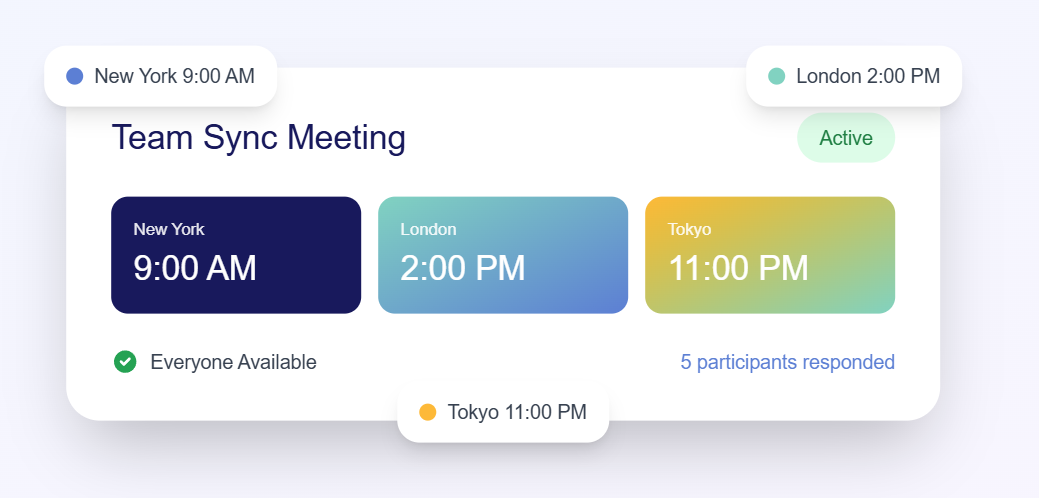
Is 12 PM noon or midnight? What about 12:30 AM? These questions have confused even the most organized teams.
Solution: Use 24-hour format (13:00 instead of 1 PM) to eliminate ambiguity.
Tools like MyAvailability's World Clock display time in both formats, so nobody gets confused regardless of their preference.
Not all countries observe daylight saving time (DST). Those that do switch on different dates. This creates temporary "timezone shifts" that catch people off guard.
Example: The gap between New York and London is usually 5 hours, but becomes 4 hours for a few weeks when one observes DST and the other doesn't yet.
Just because it's 2 PM in your timezone doesn't mean it's a reasonable meeting time everywhere. You might be scheduling someone's 3 AM or their weekend.
See everyone's working hours visually before picking a meeting time
Try World Clock FreeThe best way to eliminate timezone confusion isn't to get better at timezone math—it's to stop doing timezone math entirely.
Visual scheduling tools solve this by showing you everyone's local time simultaneously on a single timeline. No calculations needed. No mental gymnastics. Just instant clarity.
✅ Real Results
Teams using MyAvailability report reducing scheduling time by 80% and eliminating timezone confusion entirely.
We designed our World Clock feature specifically to solve timezone confusion:
Try scheduling your next meeting with visual timezones

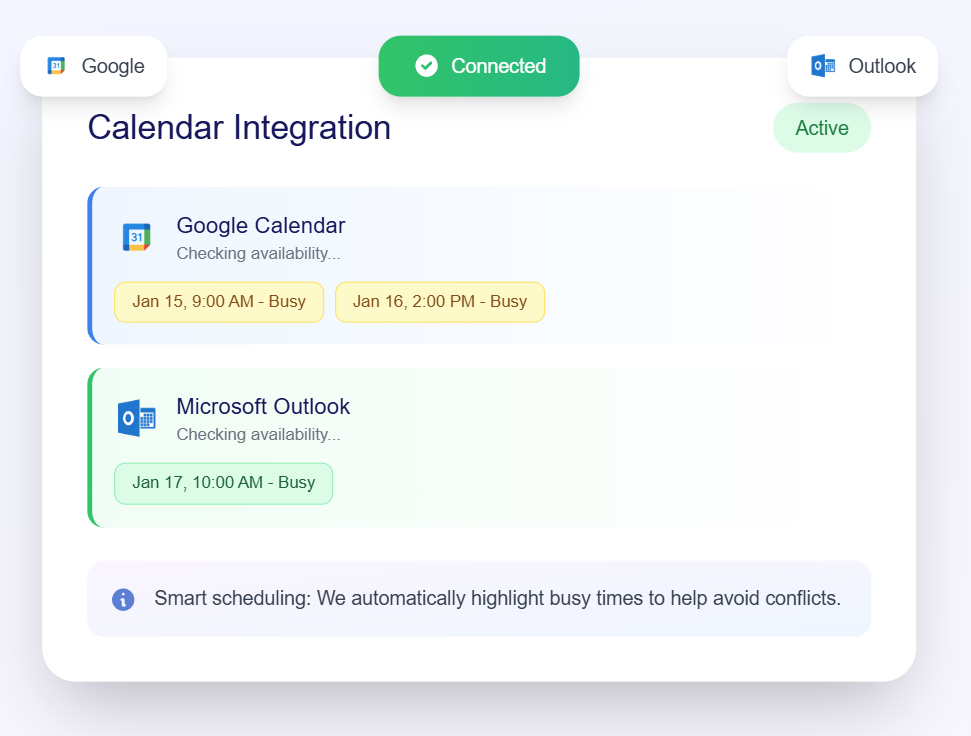
Great scheduling tools do more than show you what time it is elsewhere. They help you actually coordinate schedules:
Explore all MyAvailability features →
Transitioning from manual timezone calculations to visual scheduling is easier than you think:
⚡ Start Today
Pick your next meeting and schedule it using visual timezones. You'll immediately see how much simpler it is.
Timezone confusion is a solvable problem. You don't need to get better at mental math or memorize offset tables. You just need to use tools designed for this exact challenge.
Visual scheduling eliminates timezone confusion entirely, saving your team hours every week and preventing embarrassing scheduling mistakes.
Join thousands of teams scheduling meetings effortlessly
Get Started Free
We're on a mission to eliminate timezone confusion for remote teams worldwide. Our scheduling tools help thousands of distributed teams schedule meetings without the headache.
Try MyAvailability FreeLearn how remote teams schedule meetings 10x faster with visual timeline tools.
Read ArticleComplete guide with best practices, tools, and visual scheduling methods for remote teams.
Read ArticleJoin thousands of remote teams using MyAvailability to schedule meetings effortlessly