Timezone Confusion Costing You Time? Here's the Solution
Discover how timezone confusion costs remote teams 130+ hours annually and how to solve it.
Read ArticleIf you're still calculating timezone differences in your head, you're doing it wrong. There's a better way—one that eliminates timezone math entirely and makes scheduling feel effortless.
Welcome to visual scheduling: the method used by top remote teams to schedule meetings 10x faster.
Traditional scheduling requires mental gymnastics:
This takes 5-10 minutes per meeting. For teams scheduling multiple meetings daily, that's hours wasted every week.
❌ The Cost of Timezone Math
Teams waste an average of 2.5 hours per week on timezone calculations and scheduling confusion. That's 130 hours per year per person!
Visual scheduling replaces mental math with instant visual clarity. Instead of calculating, you see everyone's timezone simultaneously on a single timeline.
Visual scheduling tools display a horizontal timeline with multiple timezones stacked vertically. You can instantly see:

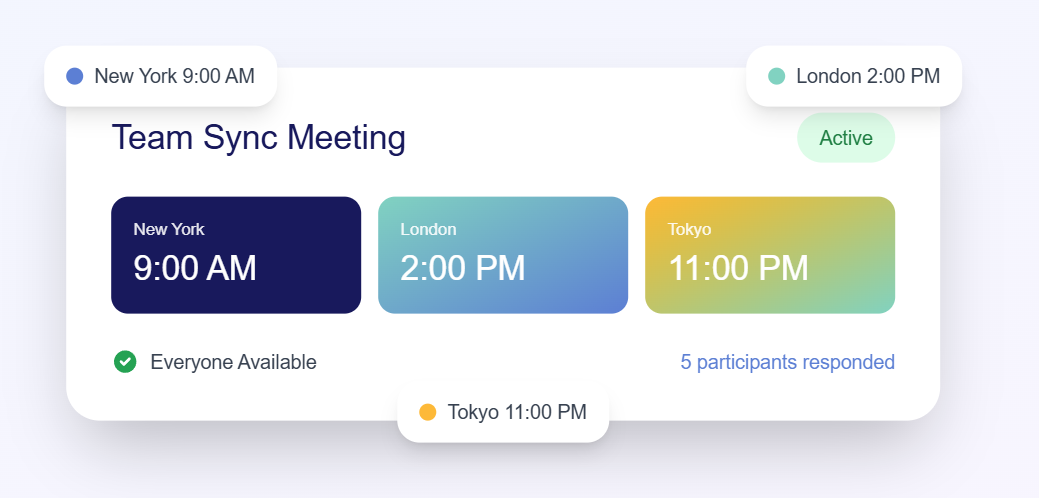
Your brain processes visual information faster than it processes numbers. Seeing timezones aligned is instant; calculating the difference between them is slow.
When you visualize rather than calculate, you can't make arithmetic mistakes. The timeline shows you exactly what time it is everywhere.
Good visual scheduling tools account for DST changes automatically. You never need to remember which countries observe DST or when they switch.
Instead of wondering "Is 2 PM EST too early for someone in California?", you see their working hours highlighted. Green means good, gray means they're probably asleep.
Companies using visual scheduling report 80% reduction in time spent scheduling meetings and 95% fewer timezone-related scheduling mistakes.
Traditional method:
Visual scheduling method:
See how fast scheduling becomes with visual timezones

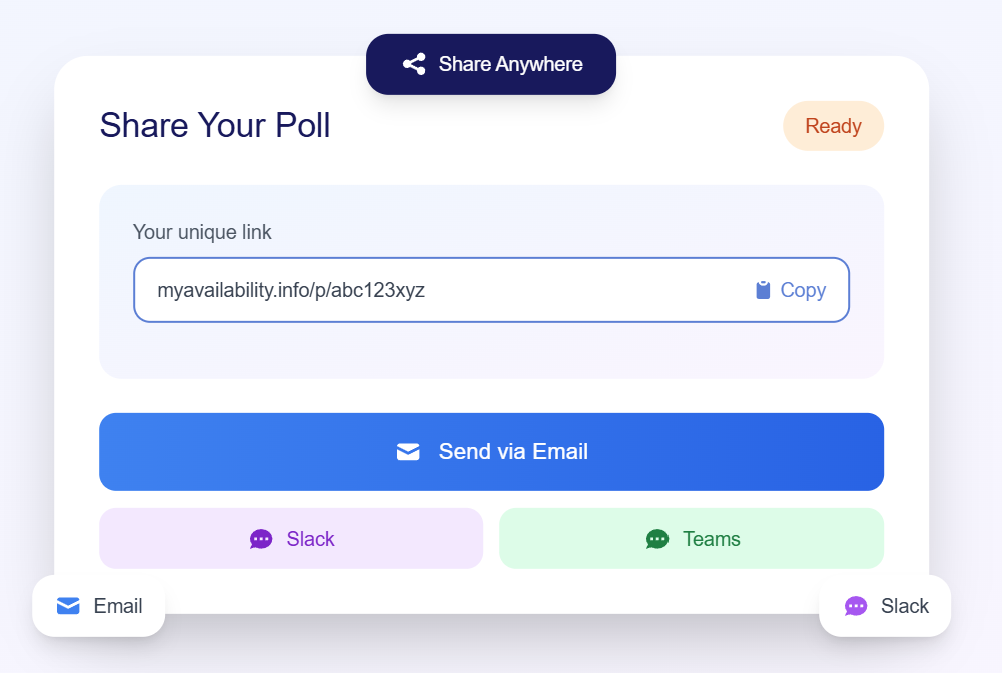
Not all scheduling tools are created equal. Look for these features:
MyAvailability's World Clock checks all these boxes and is free to use.
Create a reference showing:
Make visual scheduling your default method. Before scheduling any cross-timezone meeting:
✅ Success Tip
Bookmark your visual scheduling tool and keep it in a pinned browser tab. The easier it is to access, the more likely you'll actually use it.
Visual timelines aren't just for scheduling meetings. Smart remote teams use them for:
Even if you're fast at calculations, visual scheduling is faster. Why waste mental energy on math when you could be thinking about the actual meeting content?
For now. Remote teams grow and timezones diversify. Build the right habits before timezone confusion becomes a problem.
If you schedule even 2-3 cross-timezone meetings per week, you're wasting 15-30 minutes weekly on timezone calculations. That's 13-26 hours per year.
Join remote teams using visual scheduling to save hours every week
Your brain is powerful, but it's not optimized for timezone arithmetic. Visual scheduling leverages your brain's strengths—pattern recognition and spatial reasoning—instead of forcing it to do mental math.
The result? 10x faster scheduling, zero math errors, and meetings that actually work for everyone.
Stop doing timezone math. Start scheduling visually.
⚡ Try It Right Now
Open MyAvailability's World Clock and schedule your next meeting visually. You'll immediately see why this method is superior.

We're on a mission to eliminate timezone confusion for remote teams worldwide. Our scheduling tools help thousands of distributed teams schedule meetings without the headache.
Try MyAvailability FreeDiscover how timezone confusion costs remote teams 130+ hours annually and how to solve it.
Read ArticleMaster remote team scheduling with these proven best practices for distributed teams.
Read ArticleJoin thousands of remote teams using MyAvailability to schedule meetings effortlessly