Remote Team Scheduling: 7 Best Practices That Actually Work
Master remote team scheduling with these proven best practices for distributed teams.
Read ArticleIn 2025, remote work isn't just a trend—it's the new normal. With teams distributed across continents, scheduling meetings has become one of the biggest productivity challenges. If you've ever accidentally scheduled a 3 AM meeting or missed an important call because of timezone confusion, you're not alone.
💡 Quick Tip
Use visual scheduling tools like MyAvailability's World Clock to eliminate timezone math and see everyone's local time at a glance.
A recent study found that remote teams waste an average of 2.5 hours per week on scheduling-related issues. That's 130 hours per year per person—time that could be spent on actual productive work.
Common timezone scheduling mistakes include:

Stop doing timezone math in your head. Modern scheduling tools provide visual timelines that show working hours across all timezones simultaneously. Try MyAvailability's World Clock to see how much easier scheduling becomes when you can visualize everyone's availability.
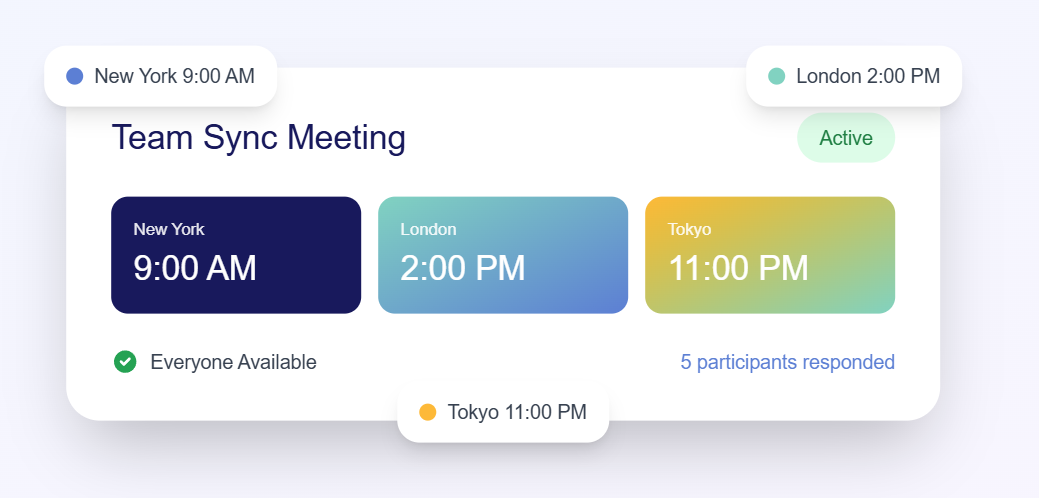
Schedule your next cross-timezone meeting in under 60 seconds
Try World Clock FreeFor teams spanning multiple timezones, identify 2-3 hours of daily overlap when everyone (or most people) can reasonably be available. Document these hours clearly and schedule all team meetings within this window.
Example: A team with members in New York (EST), London (GMT), and Singapore (SGT) might establish core hours of 9-11 AM EST, which is 2-4 PM GMT and 10 PM-12 AM SGT.
If perfect overlap isn't possible, rotate meeting times so that the inconvenience is shared equally across the team. One week the meeting might favor Asia-Pacific timezones, the next week it favors Americas.
When sharing calendar invites, use tools that automatically convert to the recipient's timezone. Nothing frustrates remote team members more than receiving an invite in a timezone they don't use.
Use MyAvailability to create your availability profile once, then share a simple link. Others can book time with you without any back-and-forth—the system automatically handles all timezone conversions.

Different countries switch to daylight saving time (DST) on different dates—or don't switch at all. Always double-check meeting times during March-April and October-November when DST changes occur.
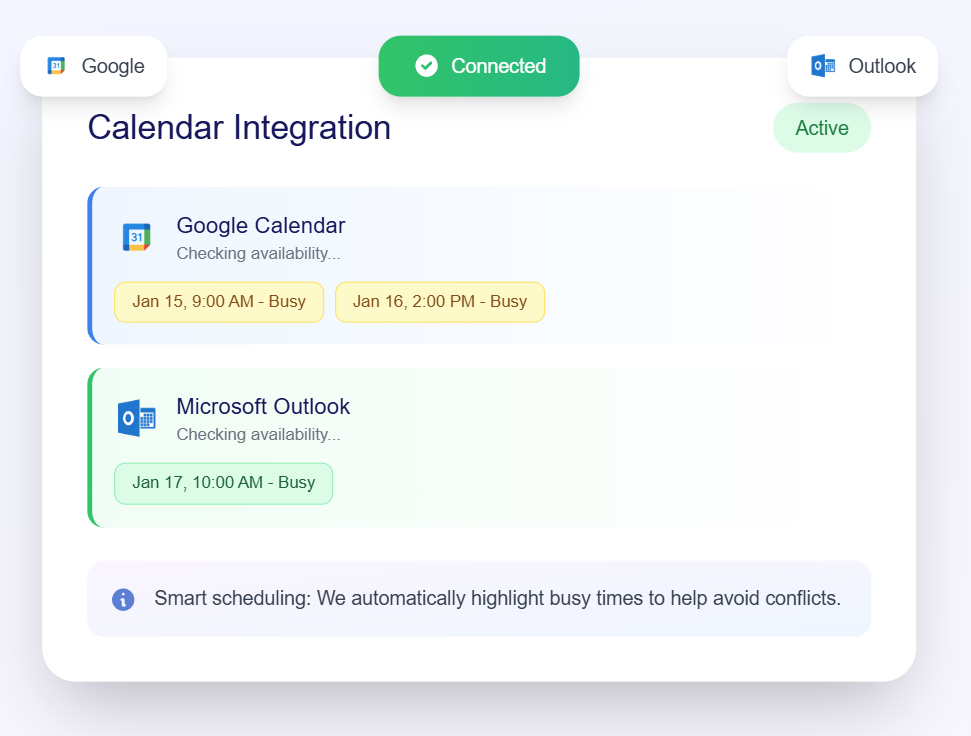
Manual timezone coordination simply doesn't scale. Modern scheduling tools handle the complexity for you:
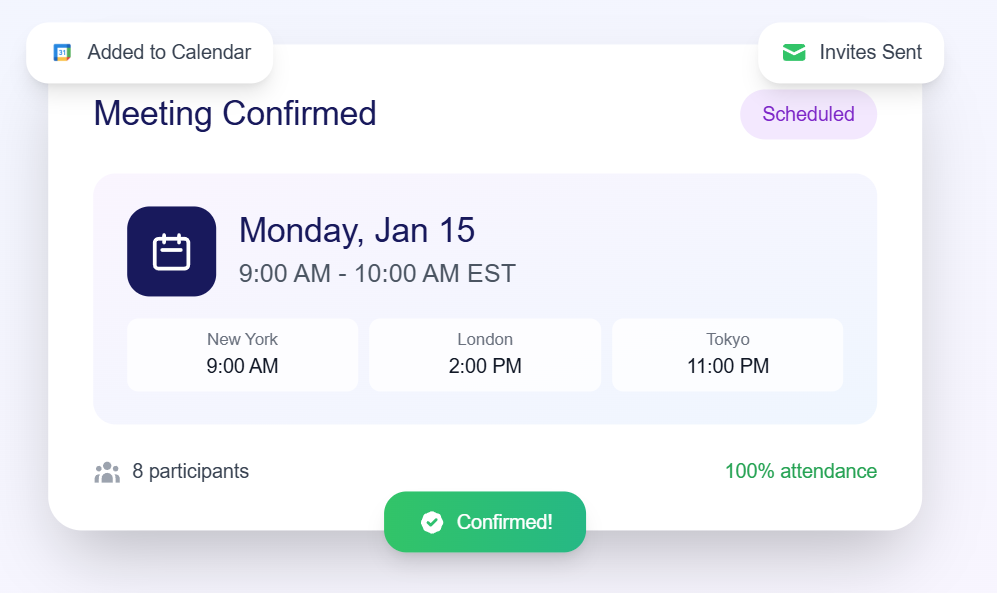
Get started with MyAvailability and experience how much simpler cross-timezone scheduling can be.
Challenge: 9-hour time difference between New York and Berlin
Solution: Schedule at 8 AM EST (2 PM CET) - reasonable for both sides
Challenge: Team members in San Francisco, London, and Sydney
Solution: Record the meeting and hold two live sessions, or rotate the inconvenient time
Challenge: 12-13 hour time difference (literally opposite sides of the clock)
Solution: Use asynchronous communication primarily, with occasional sync meetings where one side joins early and the other joins late
Join thousands of remote teams using MyAvailability to schedule meetings effortlessly
Scheduling meetings across timezones doesn't have to be complicated. By using visual tools, establishing clear overlap hours, and leveraging modern scheduling platforms, you can eliminate the friction and get back to doing actual work.
The key is to stop doing timezone math and start using tools designed for this exact problem. Your team will thank you for it.
⚡ Take Action Now
Don't let timezone confusion slow down your team. Try MyAvailability's World Clock right now—no signup required!

We're on a mission to eliminate timezone confusion for remote teams worldwide. Our scheduling tools help thousands of distributed teams schedule meetings without the headache.
Try MyAvailability FreeMaster remote team scheduling with these proven best practices for distributed teams.
Read ArticleDiscover the visual scheduling solution that eliminates timezone math forever.
Read ArticleJoin thousands of remote teams using MyAvailability to schedule meetings effortlessly