October 30, 2025
MyAvailability Team

Best Free Meeting Scheduler Tools in 2025 (Honest Comparison)

The meeting scheduler market is crowded in 2025, with dozens of tools promising to simplify your scheduling. But which one is actually right for your needs?

We tested the most popular free meeting scheduler tools to give you an honest comparison. No sponsored content, no affiliate bias—just real insights from actually using these platforms.

🎯 TL;DR

If you prioritize visual timezone display and free features, MyAvailability is your best bet. If you need enterprise features and can pay, Calendly is solid. For one-time polls, Doodle works fine.

What We Tested

We evaluated each tool on these criteria:

  • Free tier limitations - What can you actually do without paying?
  • Timezone handling - How well does it handle cross-timezone scheduling?
  • Calendar integration - Google Calendar, Outlook, Apple Calendar support
  • User experience - Is it intuitive or confusing?
  • Unique features - What makes this tool stand out?

1. MyAvailability - Best for Visual Timezone Scheduling

MyAvailability

Free tier: Generous | Best for: Remote teams across timezones

Try It Free

Strengths:

  • Visual World Clock feature shows multiple timezones simultaneously
  • Actually free - no credit card required, generous free tier
  • Clean, modern interface
  • Built specifically for remote teams
  • Fast and lightweight

Weaknesses:

  • Newer platform - fewer integrations than established competitors
  • Smaller user base (though growing rapidly)

Pricing: Free for individuals, premium features for teams

See all MyAvailability features →

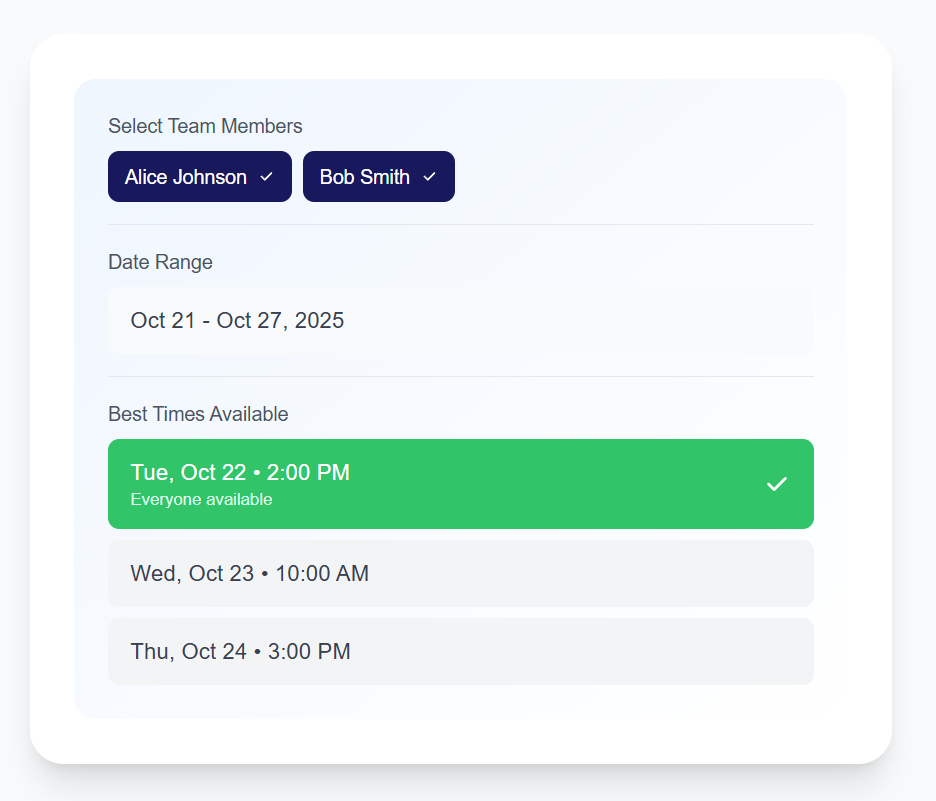
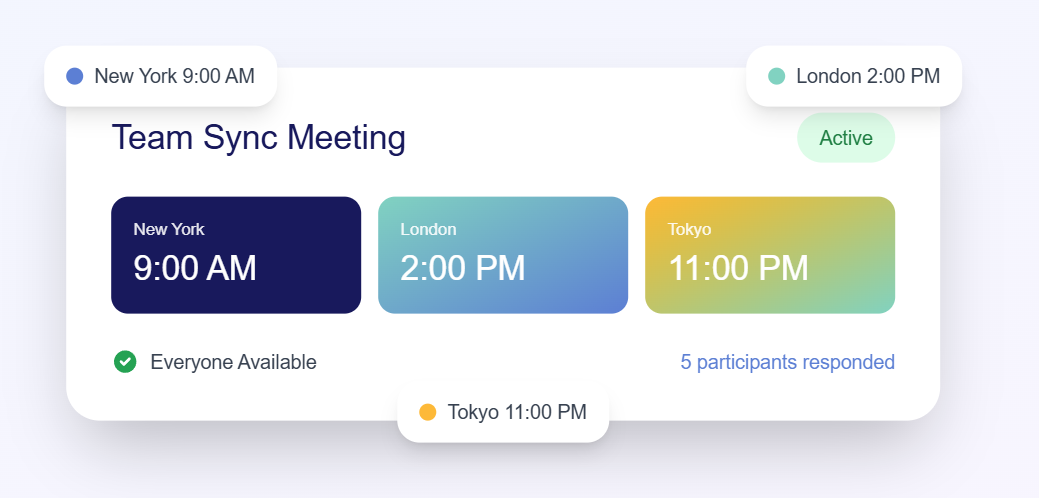
MyAvailability's visual timezone display with multiple timezones Team scheduler showing optimal meeting times across timezones

2. Calendly - Best for Enterprise Features

Strengths:

  • Extensive integrations (Salesforce, HubSpot, Zoom, etc.)
  • Team features and routing
  • Well-established platform with large user base
  • Professional branding options

Weaknesses:

  • Free tier is very limited (1 event type only)
  • Premium pricing is expensive ($12-16/user/month)
  • Timezone display is functional but not visual
  • Can feel bloated for simple scheduling needs

Pricing: Free (limited), Premium starts at $12/month

3. Doodle - Best for One-Time Polls

Strengths:

  • Simple polling interface for finding common availability
  • No account required for participants
  • Good for one-off group scheduling

Weaknesses:

  • Heavy advertising on free tier
  • Poor timezone handling
  • Not ideal for recurring scheduling needs
  • Limited calendar integration

Pricing: Free (with ads), Premium $6.95/month

🎯 Comparison Insight

For cross-timezone scheduling, MyAvailability's World Clock provides the clearest visual representation. Calendly and Doodle show timezones but don't visualize them as intuitively.

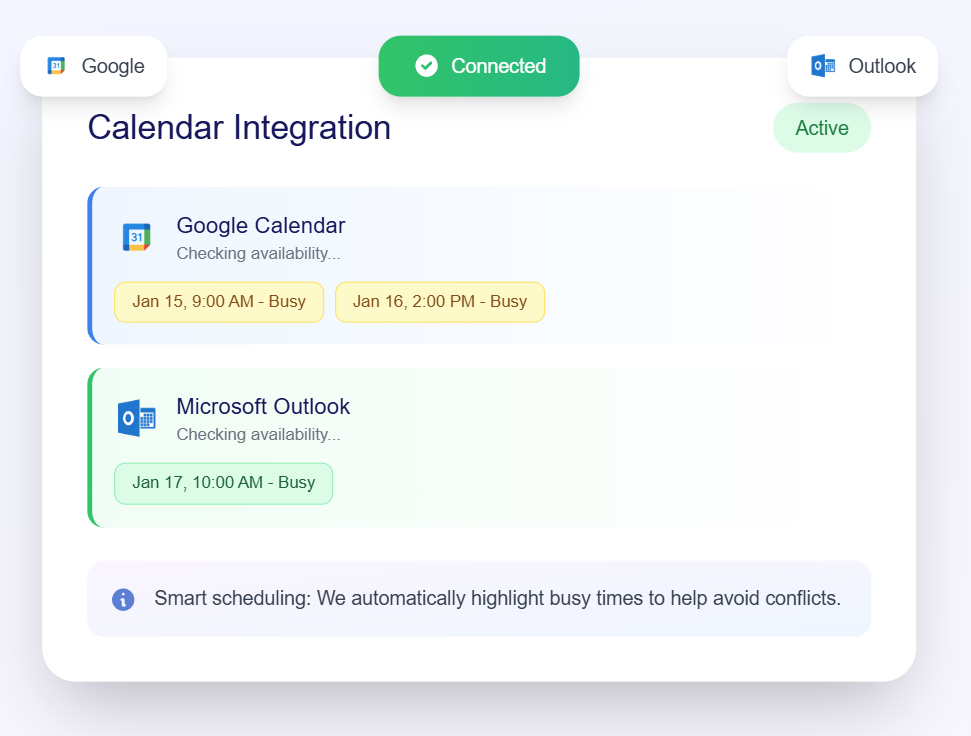
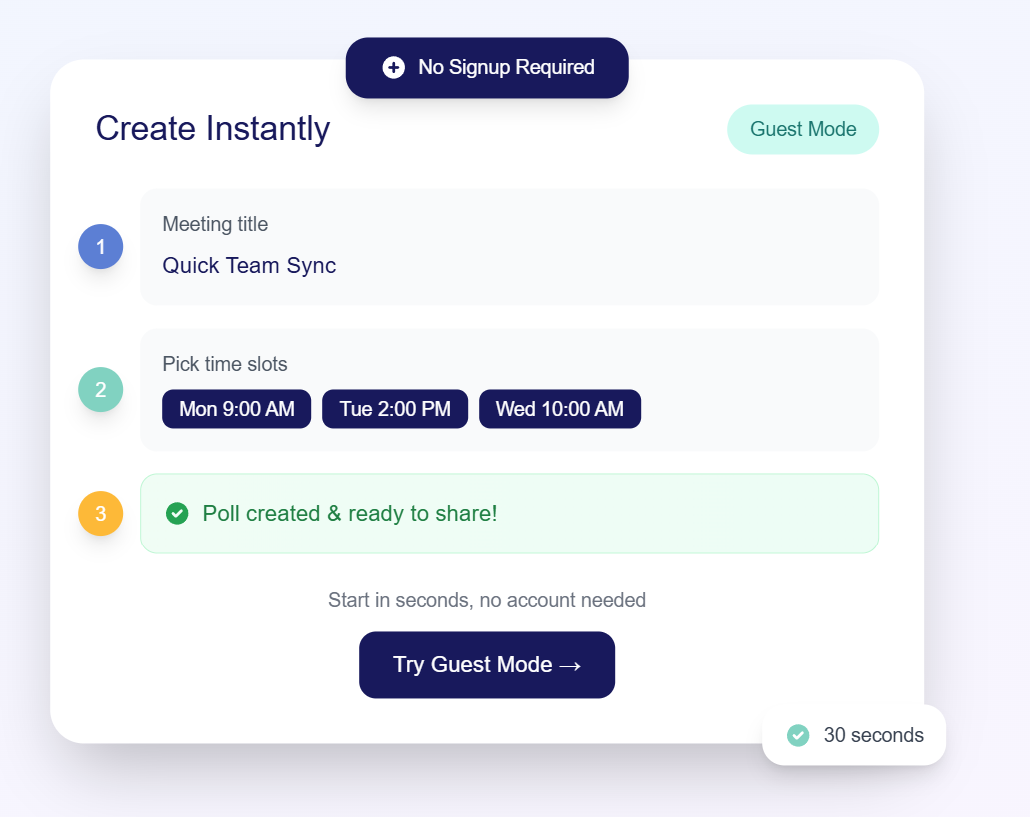
Streamlined booking interface for easy scheduling Calendar integration with Google Calendar and Outlook Guest mode for instant poll creation without account signup

4. Cal.com - Best Open Source Option

Strengths:

  • Open source and self-hostable
  • Growing ecosystem of integrations
  • Privacy-focused
  • Competitive free tier

Weaknesses:

  • Self-hosting requires technical knowledge
  • Hosted version pricing can add up
  • Less polished UI than commercial alternatives

Pricing: Free (self-hosted), Hosted starts at $12/month

5. Google Calendar Appointment Slots - Best for Google Workspace Users

Strengths:

  • Built into Google Calendar (if you already use it)
  • Completely free
  • Seamless Google Meet integration

Weaknesses:

  • Limited customization
  • No visual timezone display
  • Locked into Google ecosystem
  • Basic feature set

Pricing: Free with Google Workspace

Try the Best Free Meeting Scheduler

See why remote teams choose MyAvailability for visual timezone scheduling

Get Started Free

Feature Comparison Table

Feature MyAvailability Calendly Doodle
Free Tier Quality Excellent Limited Basic
Visual Timezone Display
Calendar Integration Limited
Team Features Limited
Price (Paid Tier) Affordable $12-16/mo $6.95/mo
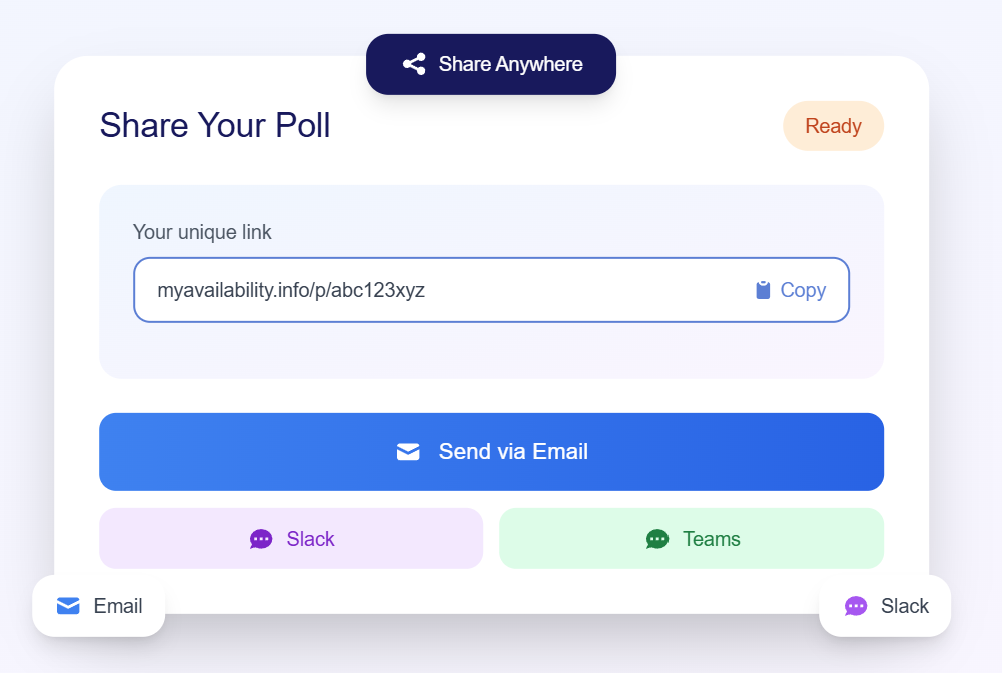
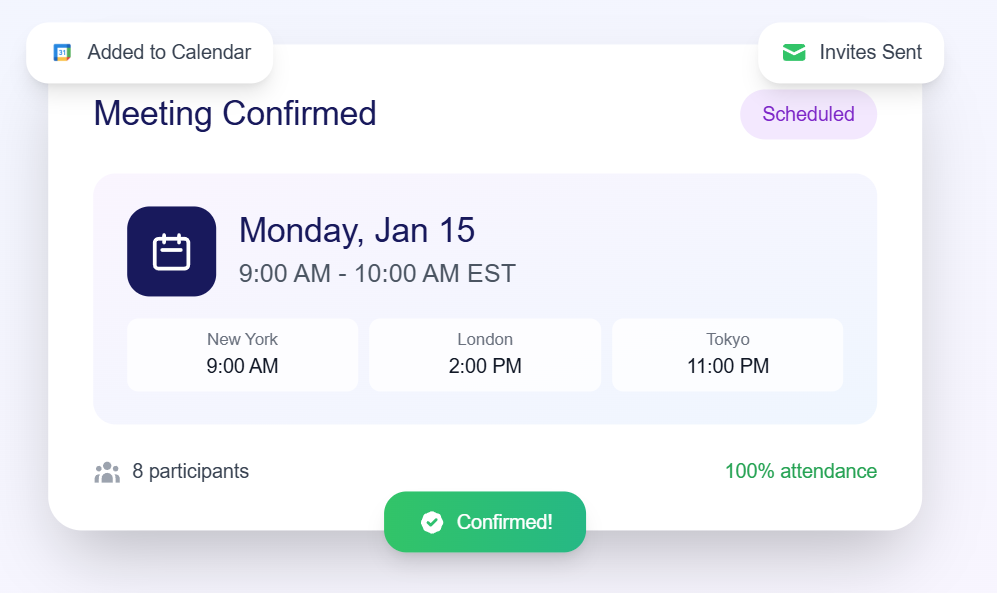
Availability polling results comparison Share poll with team members to gather availability Meeting confirmed notification with calendar event created Team sync meeting showing everyone available

Which Tool Should You Choose?

Choose MyAvailability if:

  • You work with remote teams across multiple timezones
  • You want a generous free tier without annoying limitations
  • Visual clarity is important to you
  • You value modern UX and clean design

Try MyAvailability Free →

Choose Calendly if:

  • You need extensive enterprise integrations (Salesforce, HubSpot)
  • You have budget for premium features
  • You need advanced team routing

Choose Doodle if:

  • You only need occasional group polls
  • Participants don't need accounts
  • You can tolerate ads

💡 Our Recommendation

For 90% of remote teams, MyAvailability offers the best balance of features, usability, and value—especially if cross-timezone scheduling is a regular need.

Conclusion

There's no single "best" meeting scheduler for everyone—it depends on your specific needs. But for remote teams dealing with timezone challenges, visual scheduling tools like MyAvailability provide the clearest path to effortless coordination.

The good news? Most tools offer free trials or free tiers, so you can test before committing.

Start Scheduling Smarter Today

Try MyAvailability free - no credit card required

Share this article

MyAvailability

Written by MyAvailability Team

We're on a mission to eliminate timezone confusion for remote teams worldwide. Our scheduling tools help thousands of distributed teams schedule meetings without the headache.

Try MyAvailability Free

Related Articles

How to Schedule Meetings Across Time Zones: The Complete 2025 Guide

Learn how to schedule meetings across time zones effortlessly with best practices.

Read Article

Remote Team Scheduling: 7 Best Practices That Actually Work

Master remote team scheduling with these proven best practices.

Read Article

Ready to Eliminate Timezone Confusion?

Join thousands of remote teams using MyAvailability to schedule meetings effortlessly